12 Reference
Screenshots
Every image used across this guide, in one place. All of them are real captures from a working install at 1920×1080.
The versions on the page are resized to keep it quick to load — click any of them to open the untouched original at full resolution, which is the only way to read the folder listings and the panel text properly.
Folder structure#
The four checks from the verification page. Compare each against your own install — these are what a correct one looks like at every level.
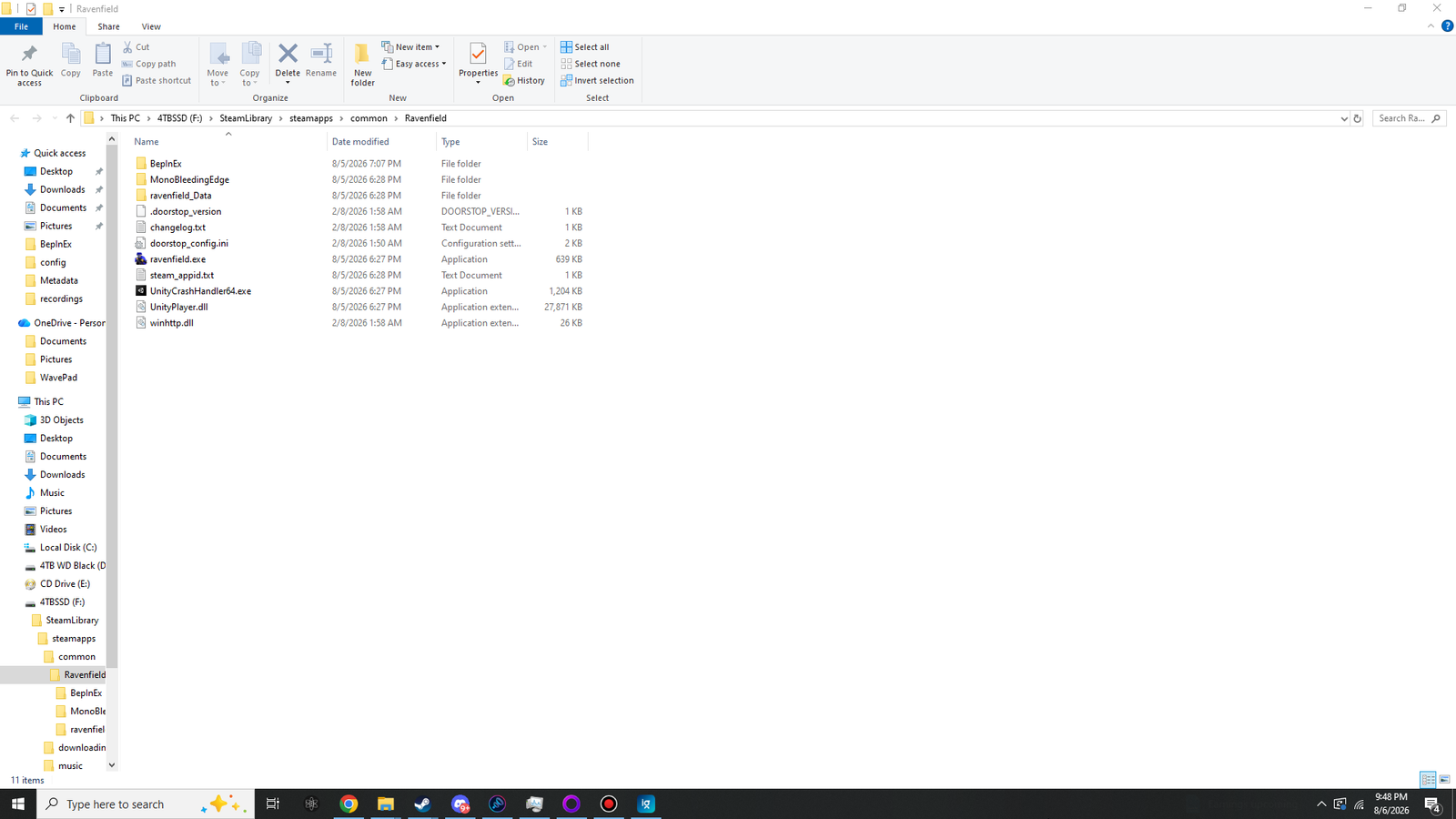
winhttp.dll, doorstop_config.ini and .doorstop_version sit directly beside ravenfield.exe — not inside a subfolder. The BepInEx folder is the only new directory.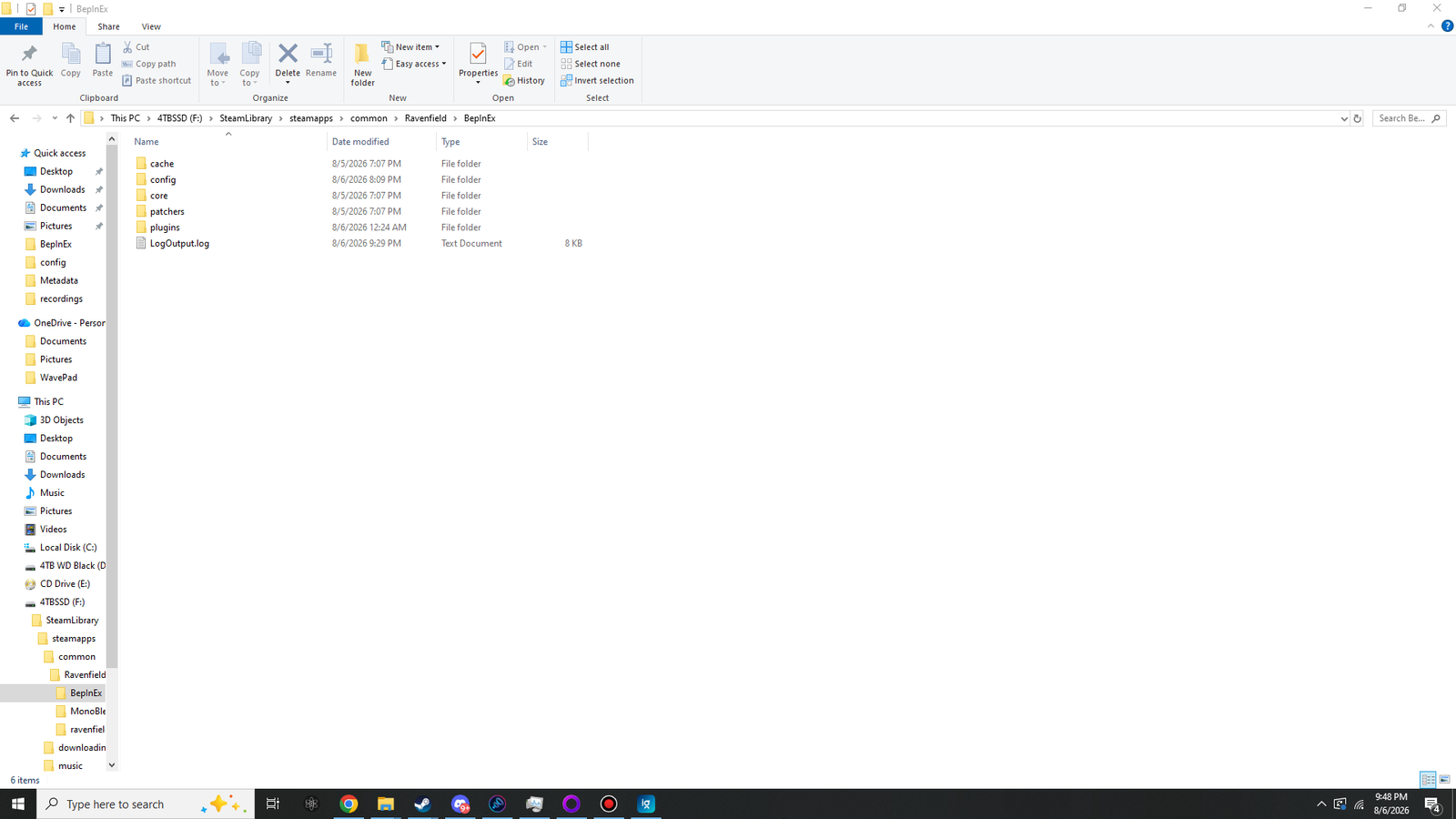
cache, config and plugins alongside the core and patchers folders that shipped in the zip. LogOutput.log is written on every launch.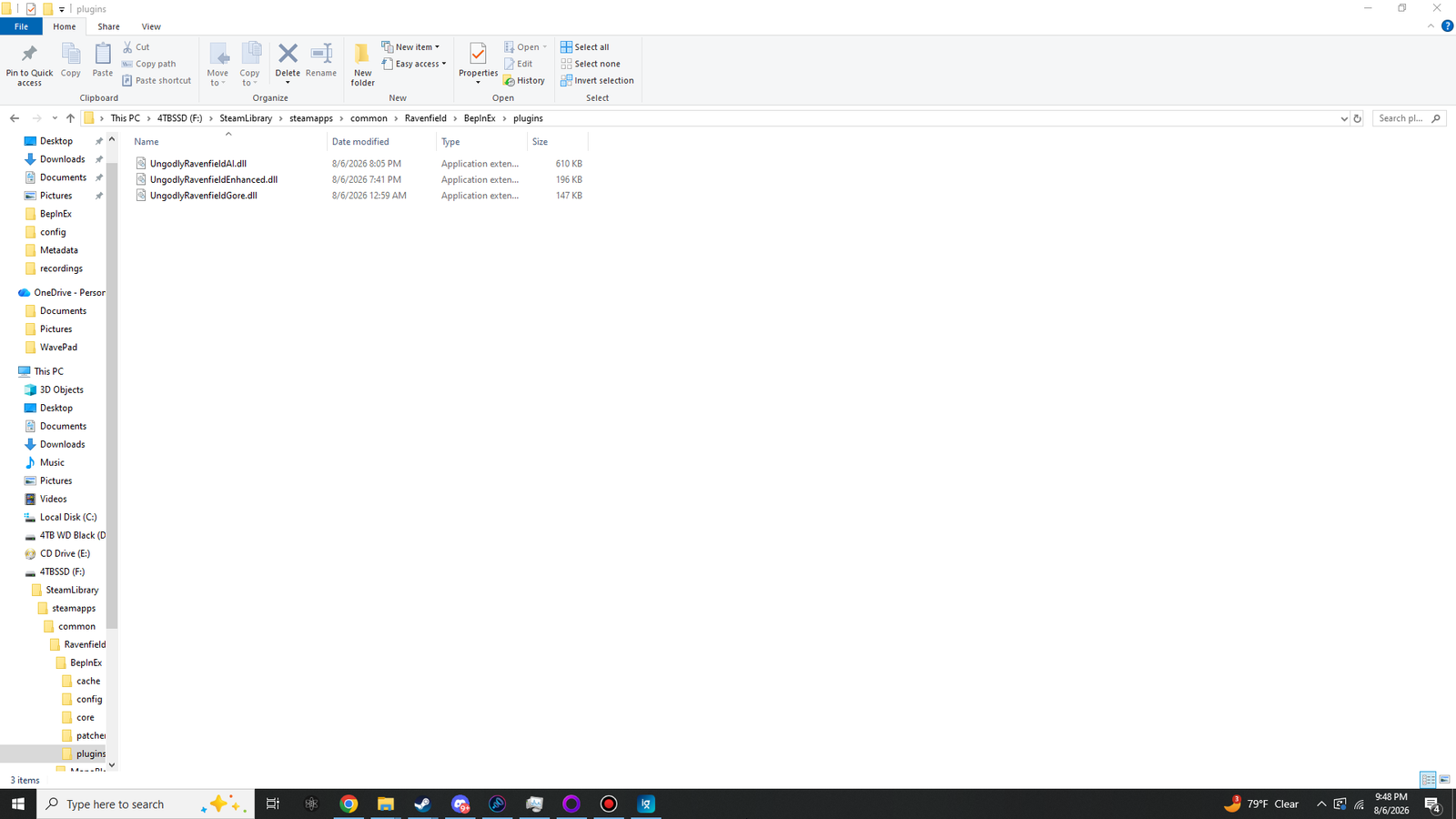
BepInEx\plugins\. No subfolders, no nesting. BepInEx does scan subfolders, but keeping them flat makes it obvious at a glance what is installed.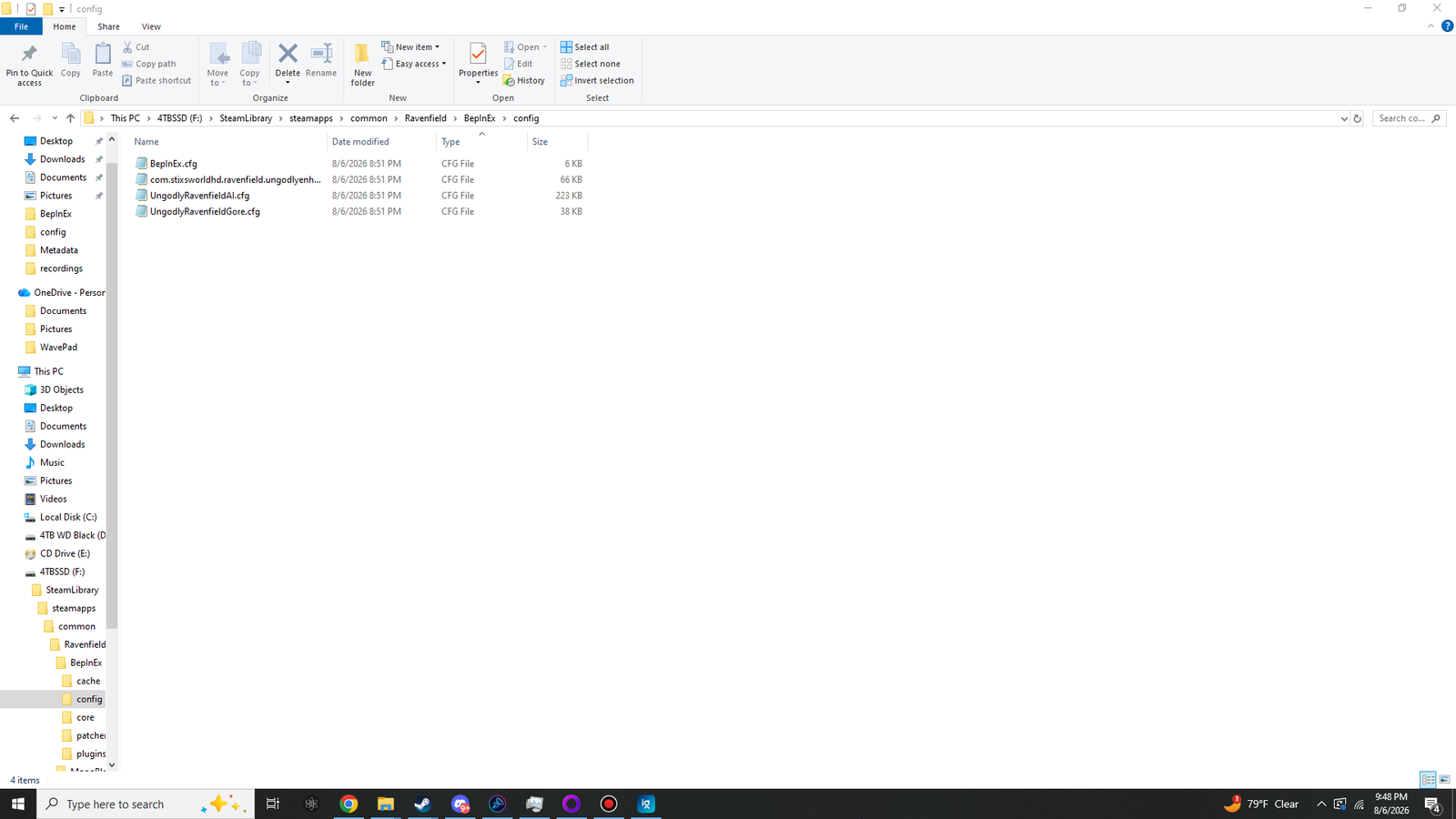
.cfg the first time it loads. If a file named after a mod is missing here, that mod did not load — go straight to the log.The in-game panels#
One per mod. Each opens on its own hotkey, applies changes live, and explains every setting where it sits.
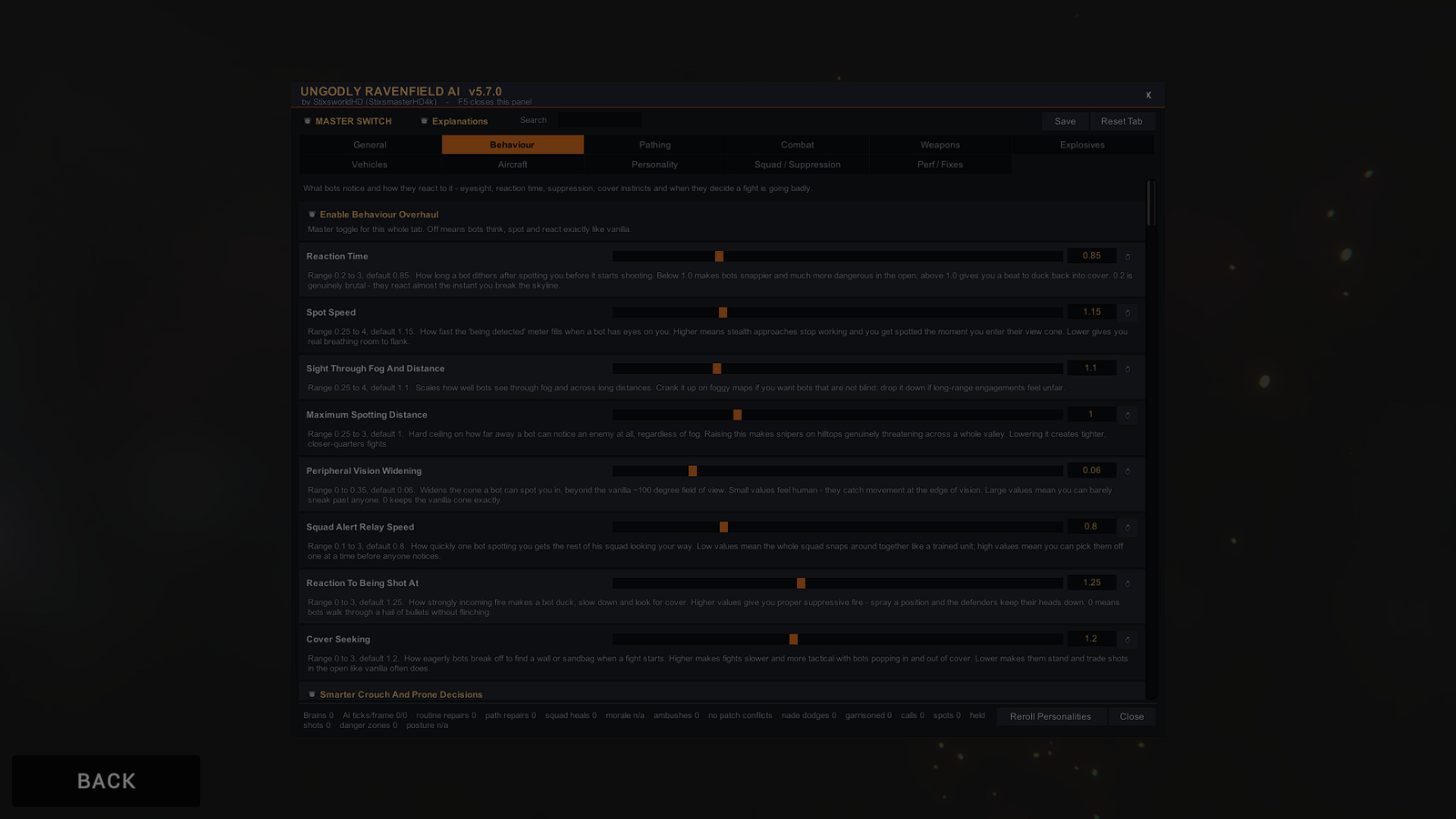
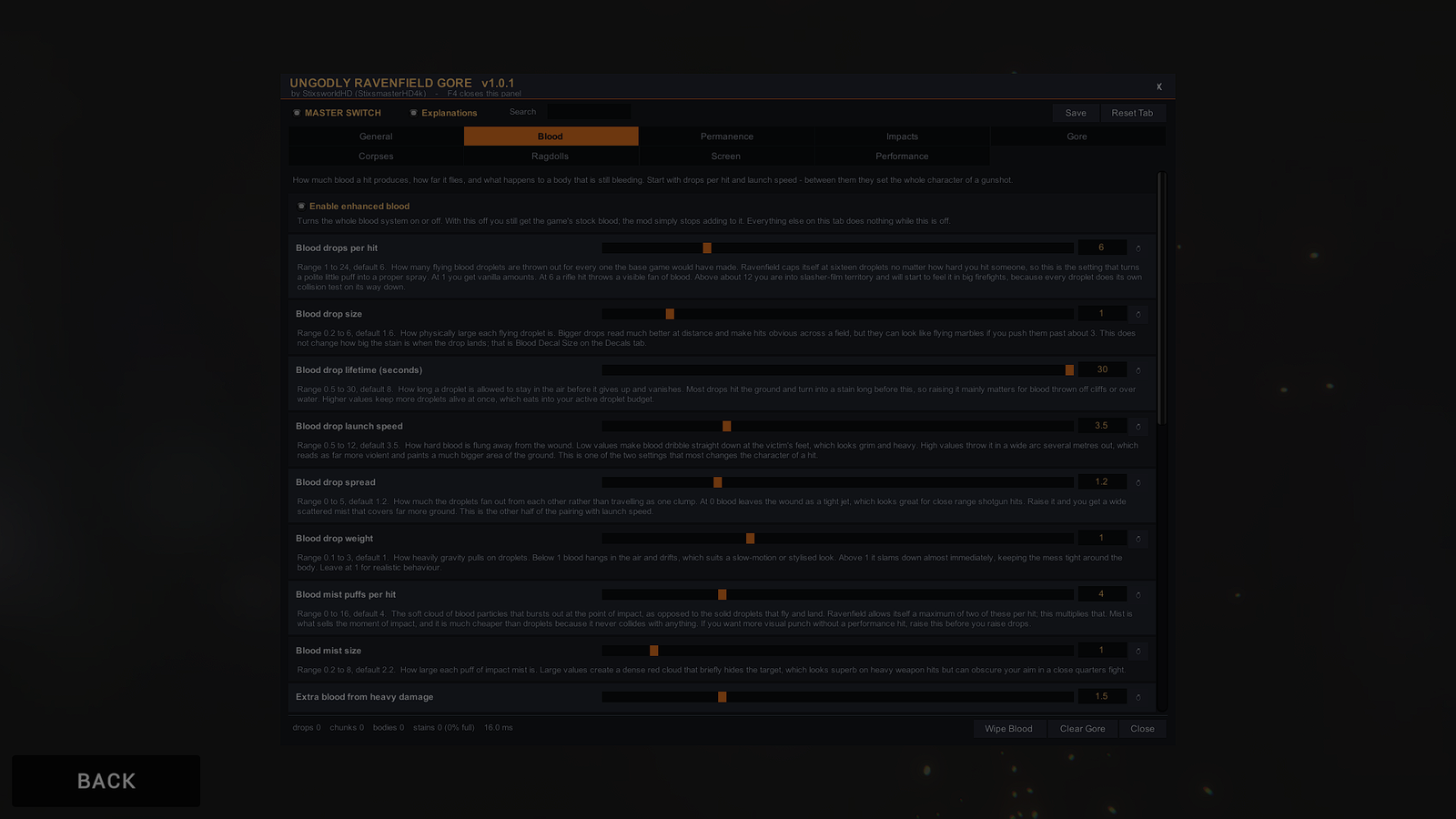
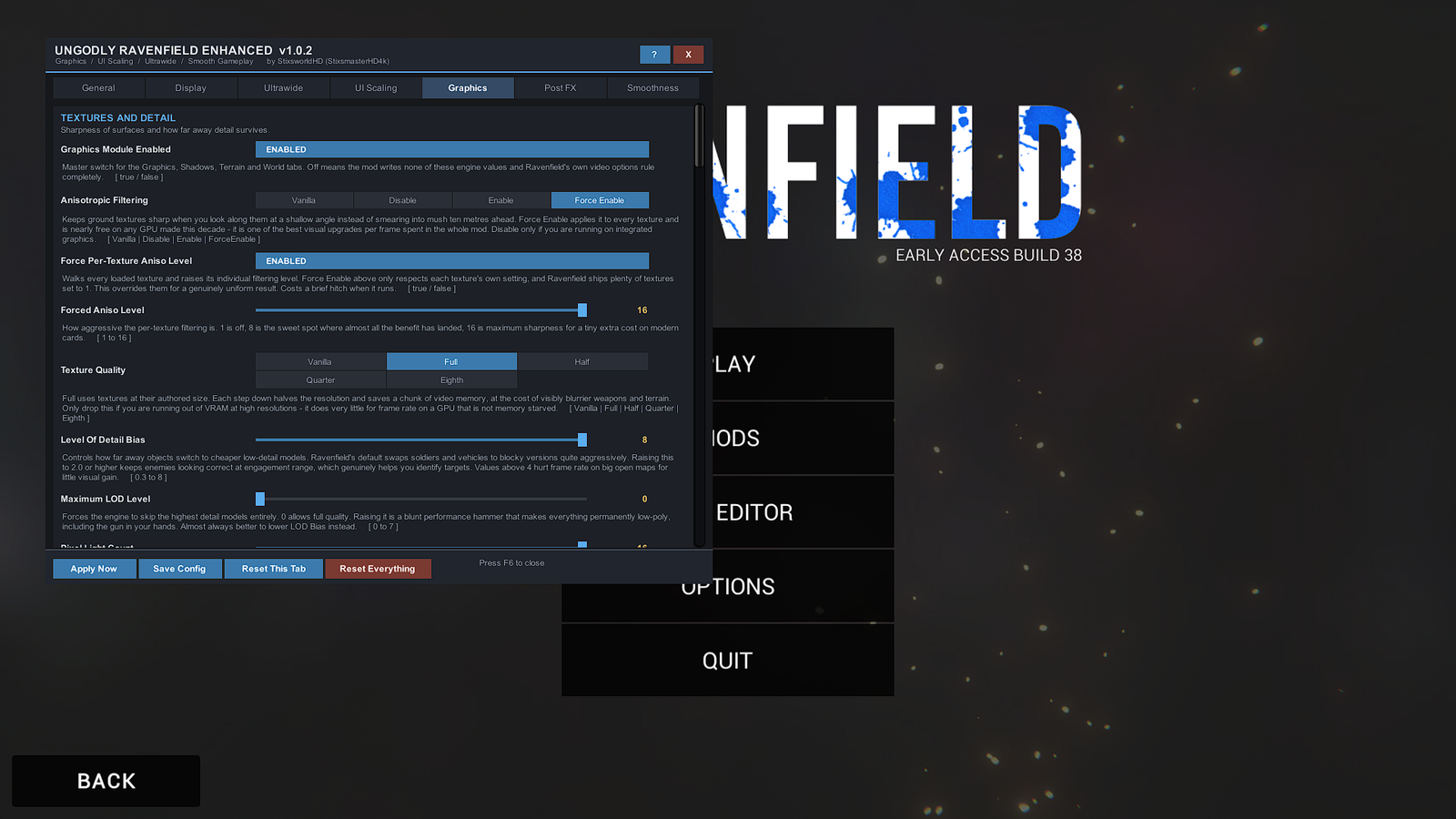
In the field#
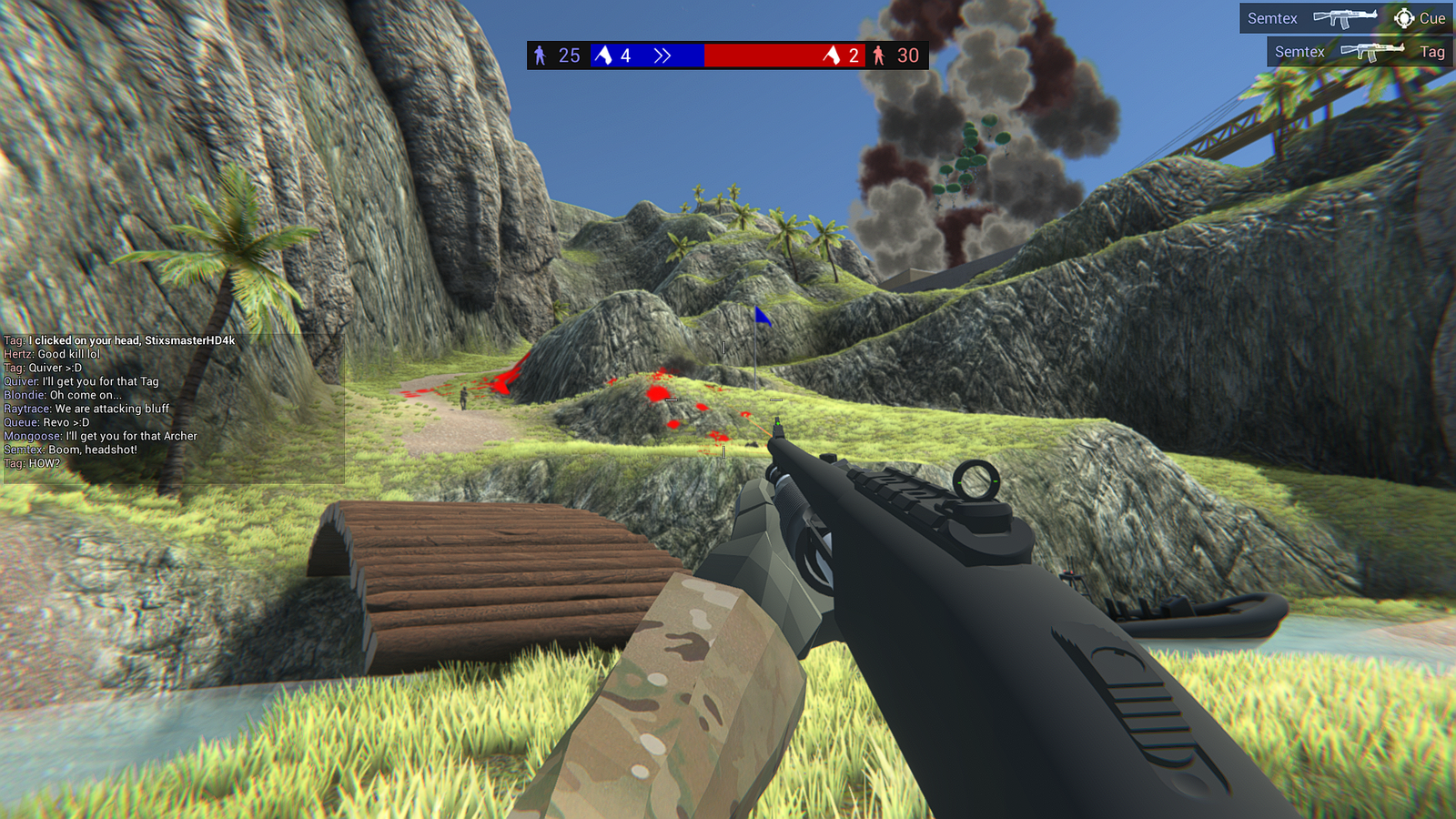
All three mods running together.
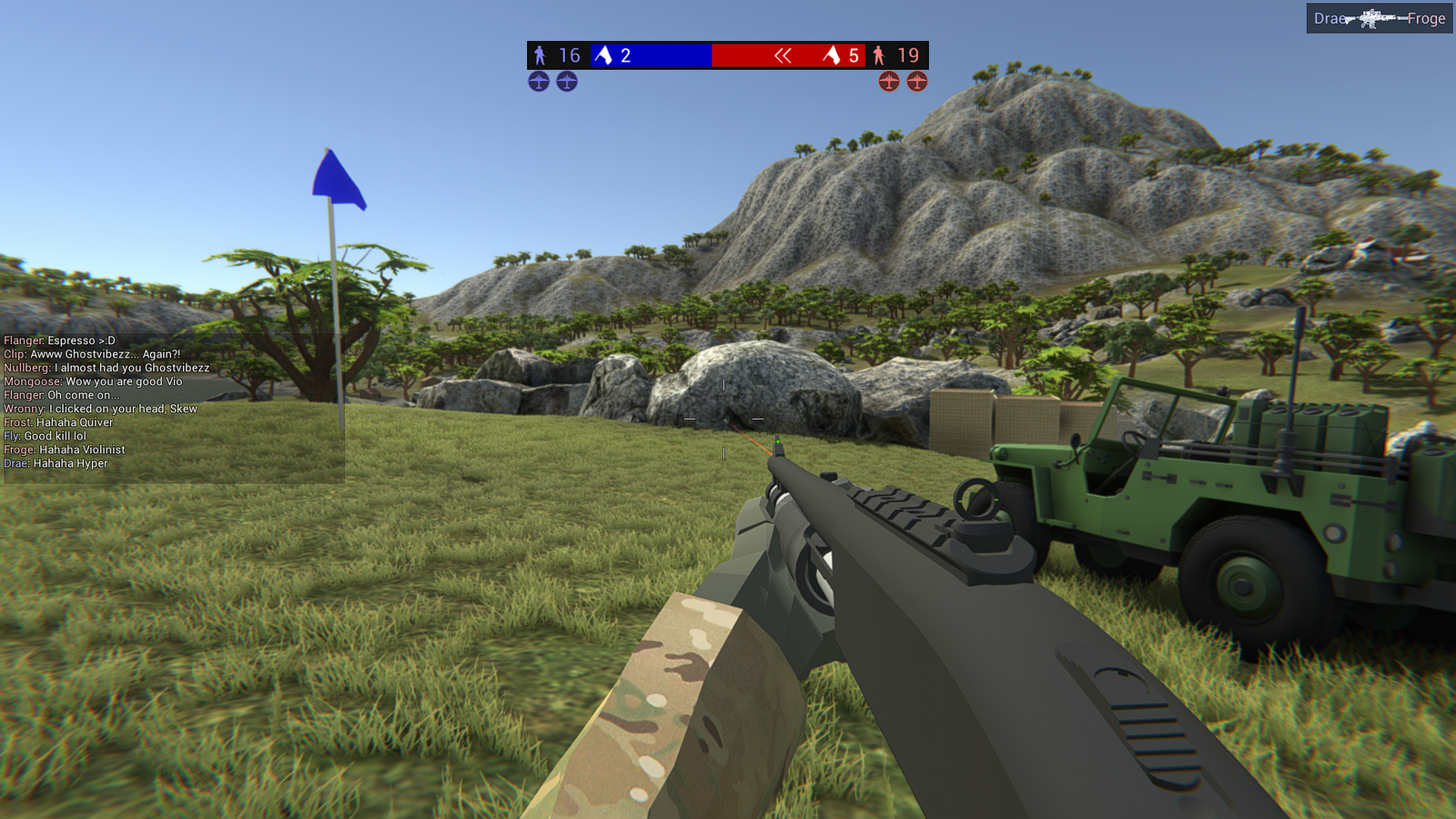
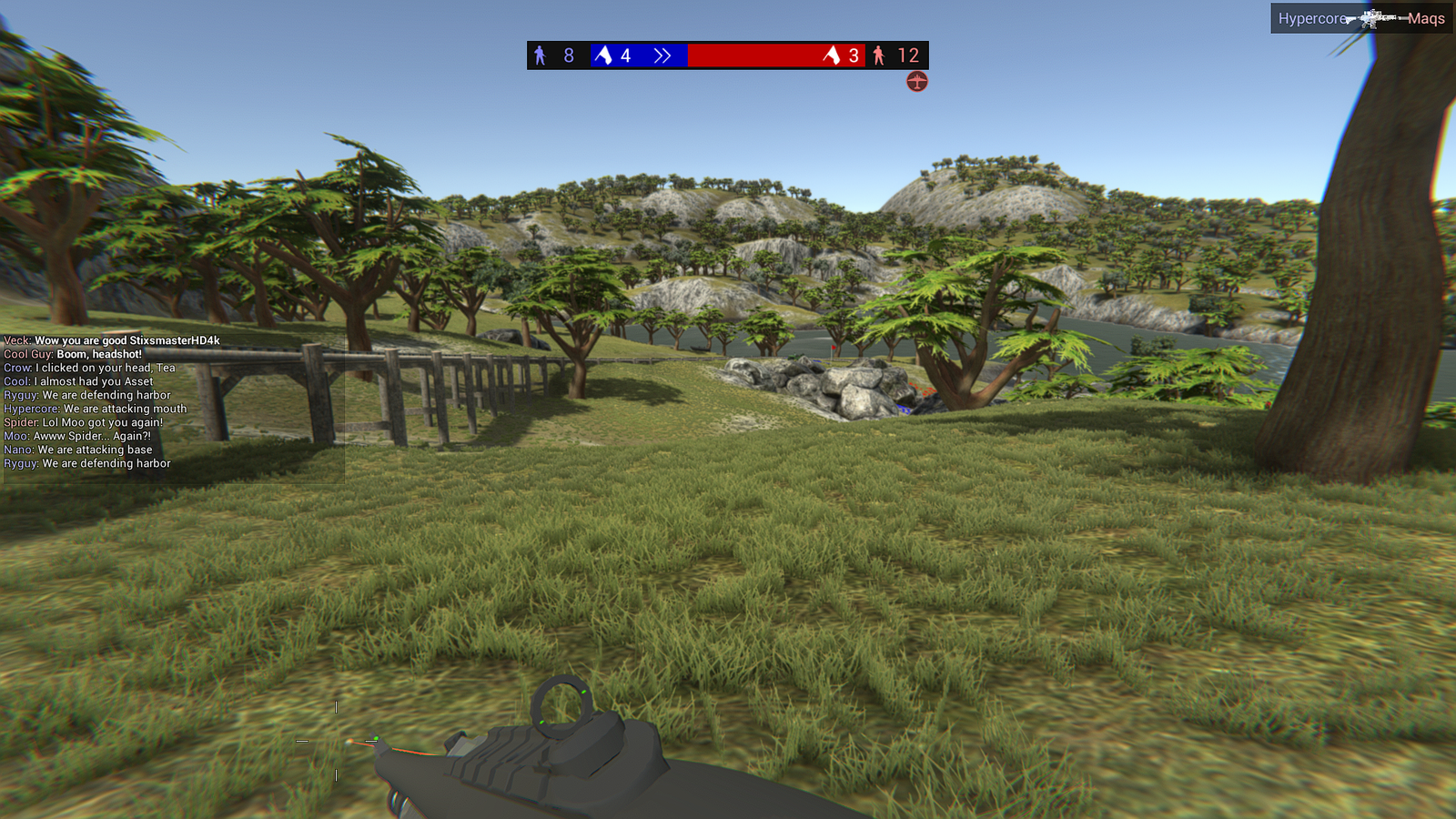
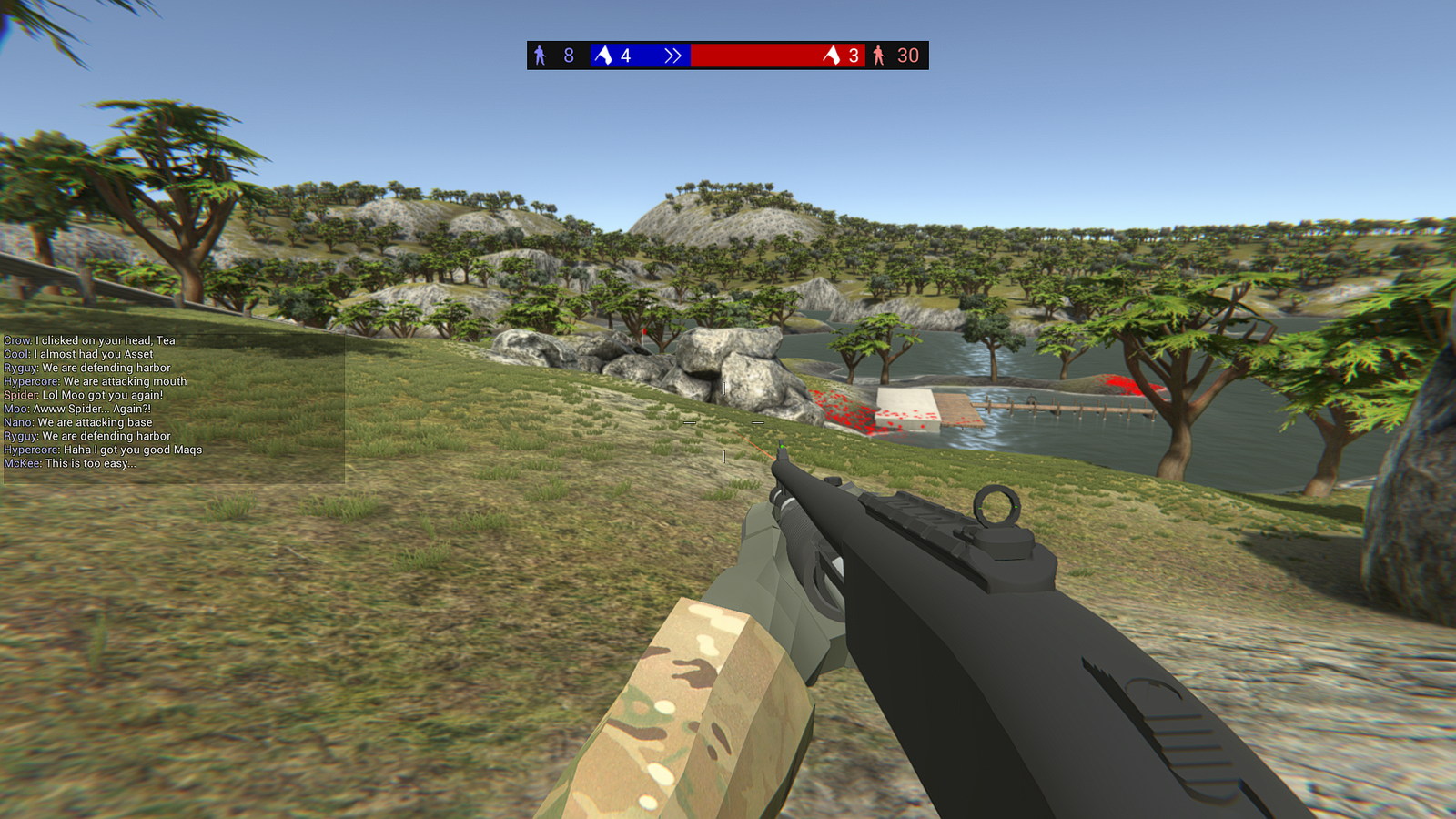
Using these images#
If you are writing your own guide, a forum reply or a Steam post and one of these would help, take it. A link back to stixsworldhd.com is appreciated but not required — the point of documenting the folder structure is that people stop getting stuck on it, and that works better the more places it appears.