Screenshots of a working install
All 17 screenshots from this guide in one place. Each one is resized to fit the page; click any of them to open the original PNG at full size. In the viewer, ← and → step through all 17, F switches between actual size and fit, and Esc closes it.
Folders of a working install
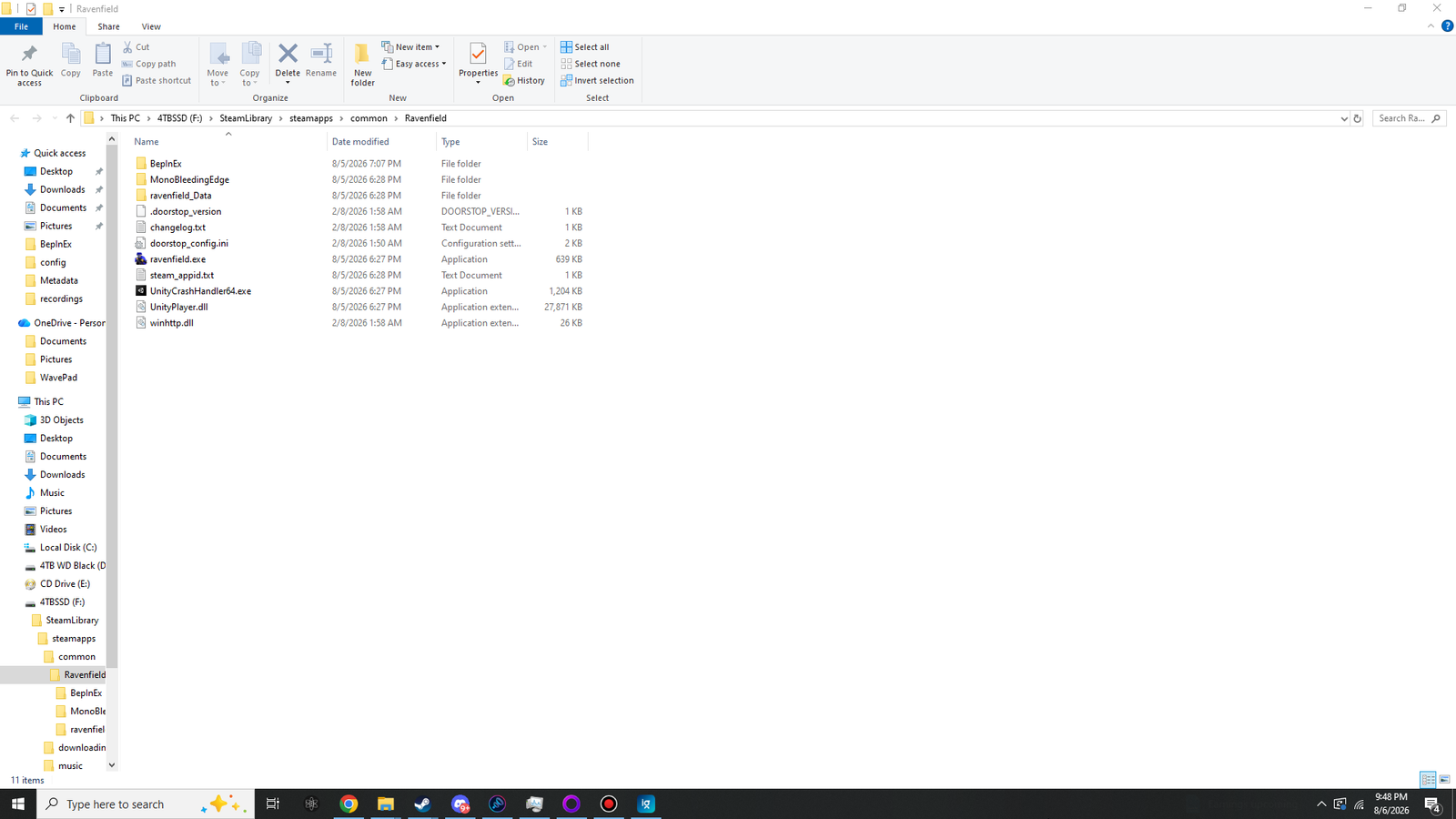 (opens the full-size 1920 by 1080 image)
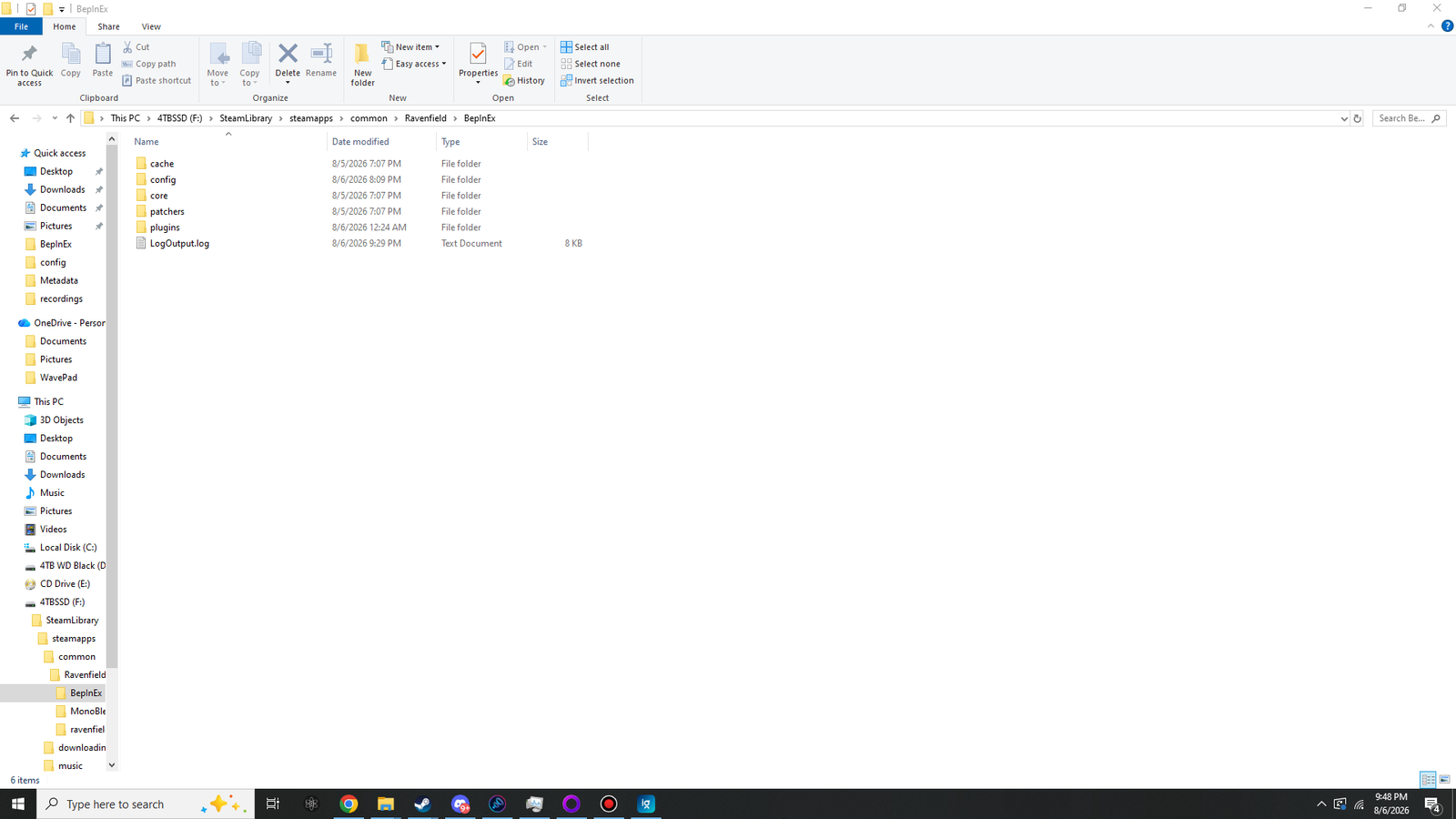 (opens the full-size 1920 by 1080 image)
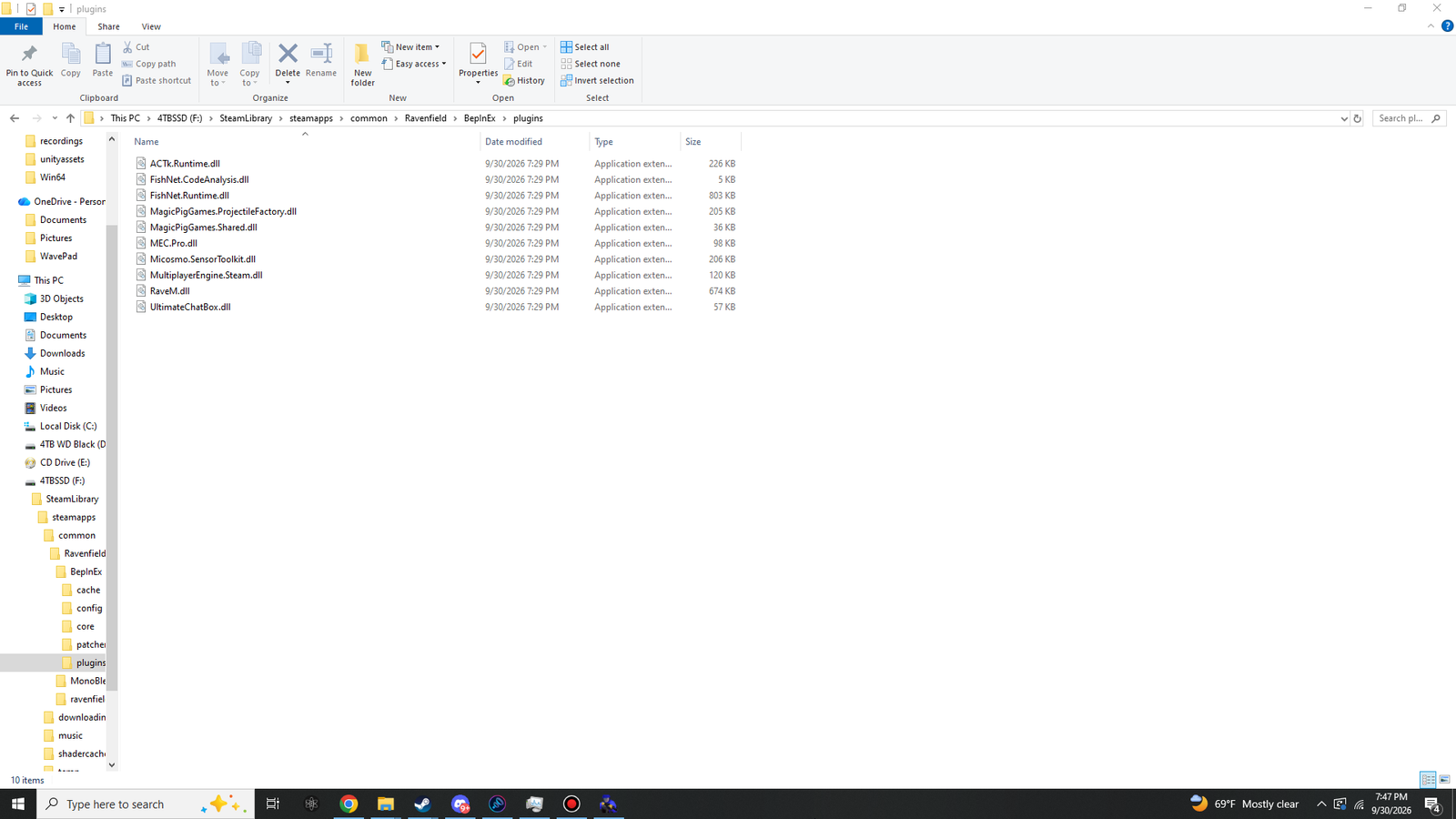 (opens the full-size 1920 by 1080 image)
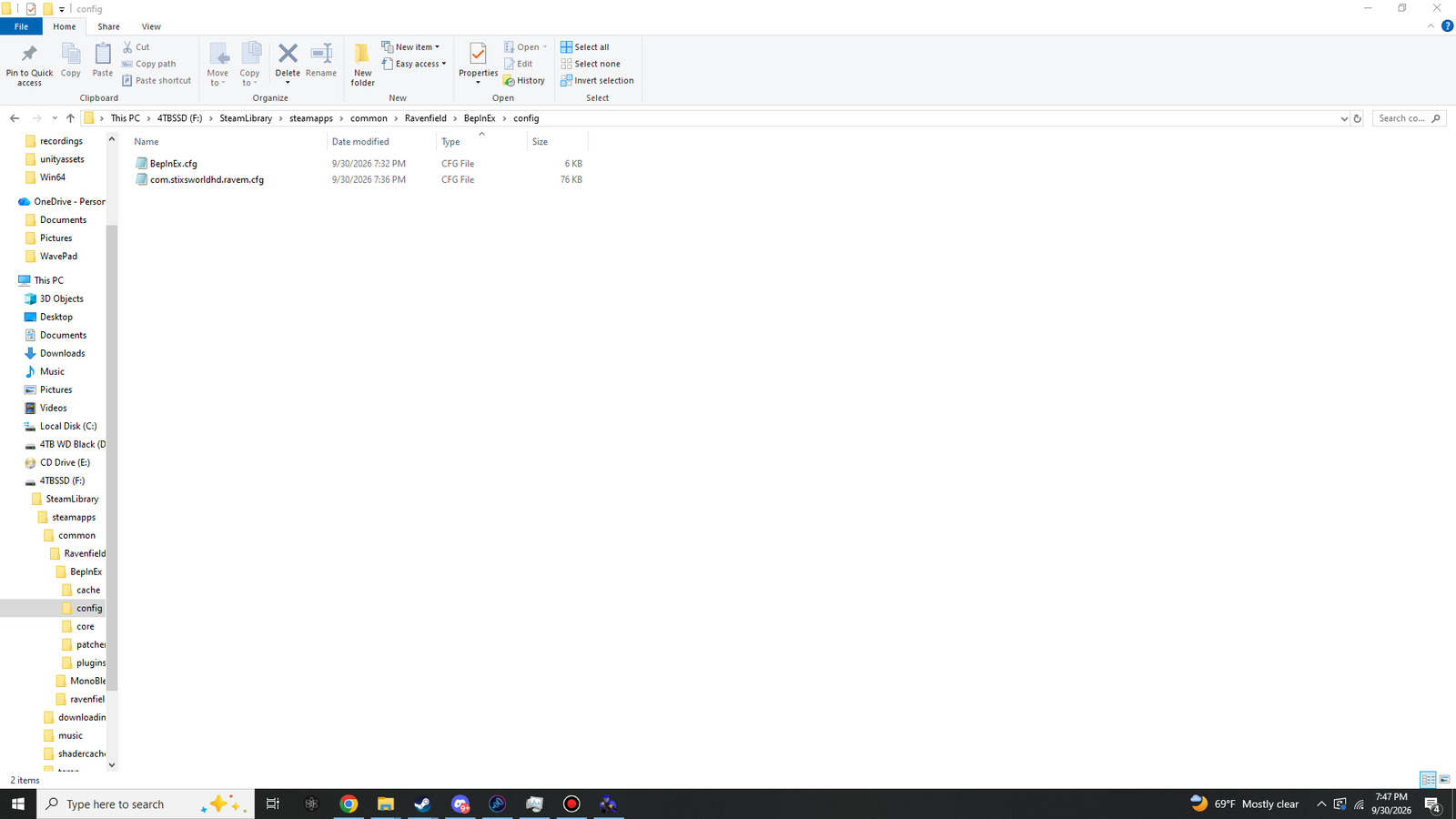 (opens the full-size 1920 by 1080 image)
ONLINE menu and preferences
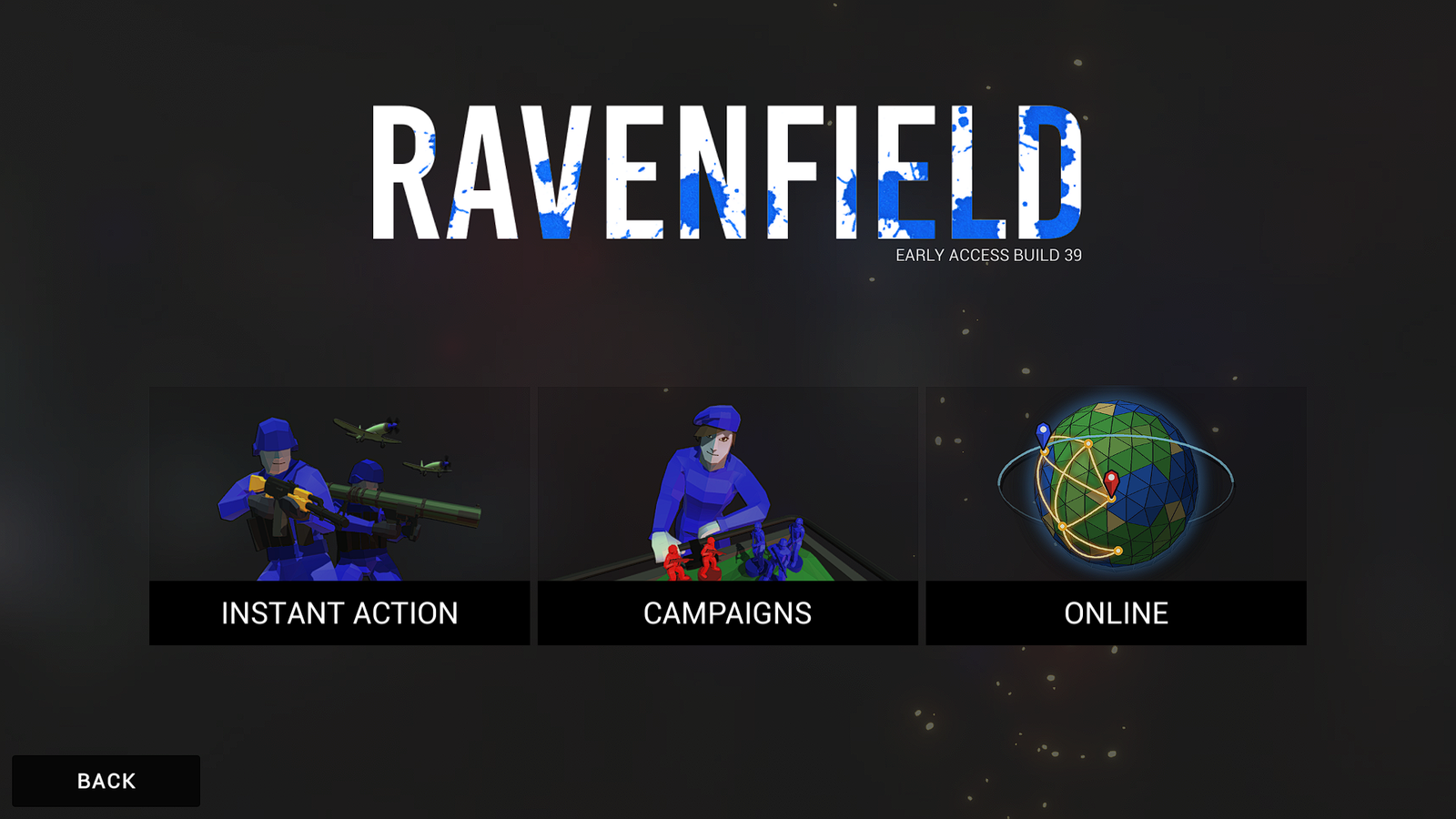 (opens the full-size 1920 by 1080 image)
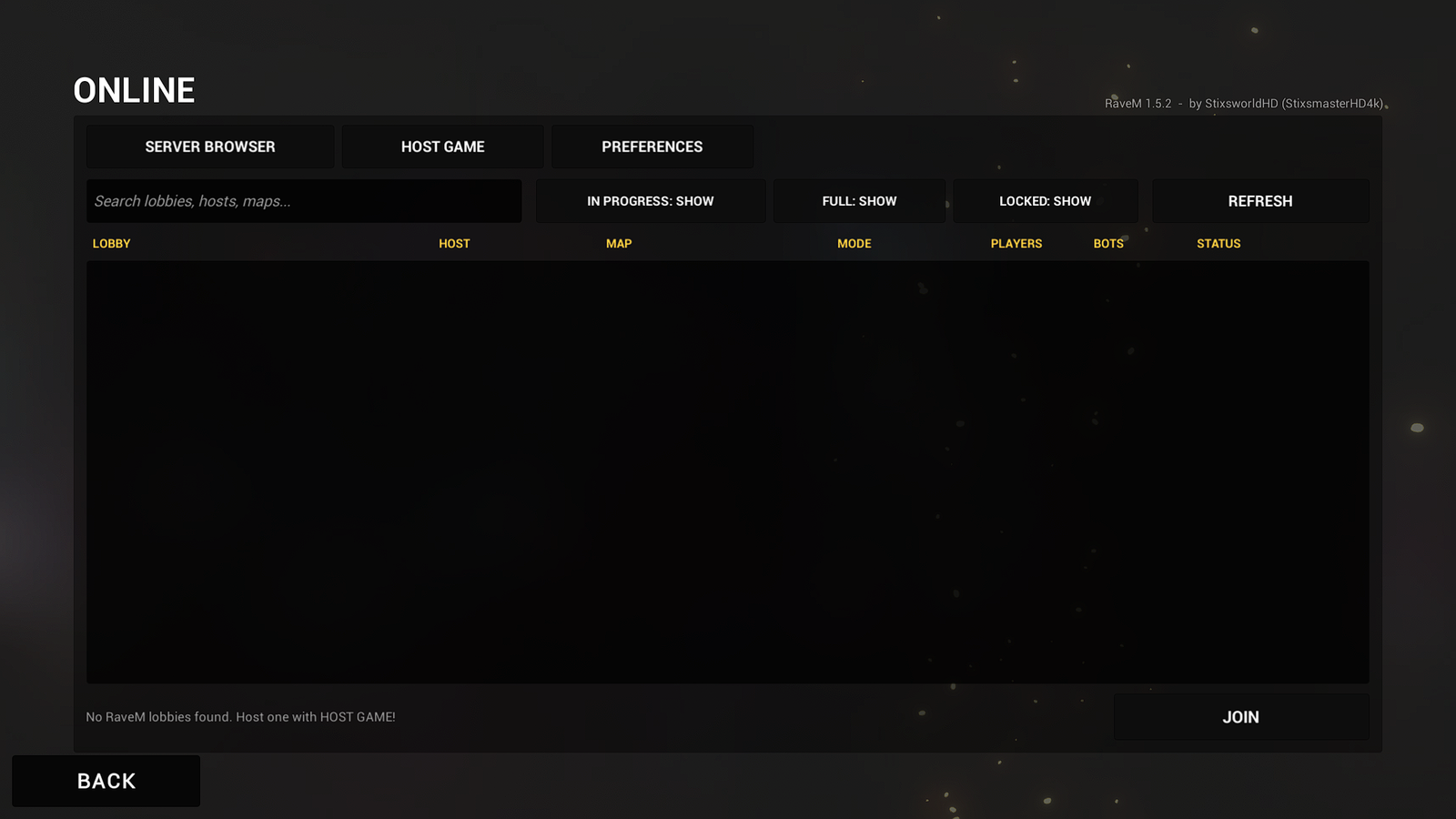 (opens the full-size 1920 by 1080 image)
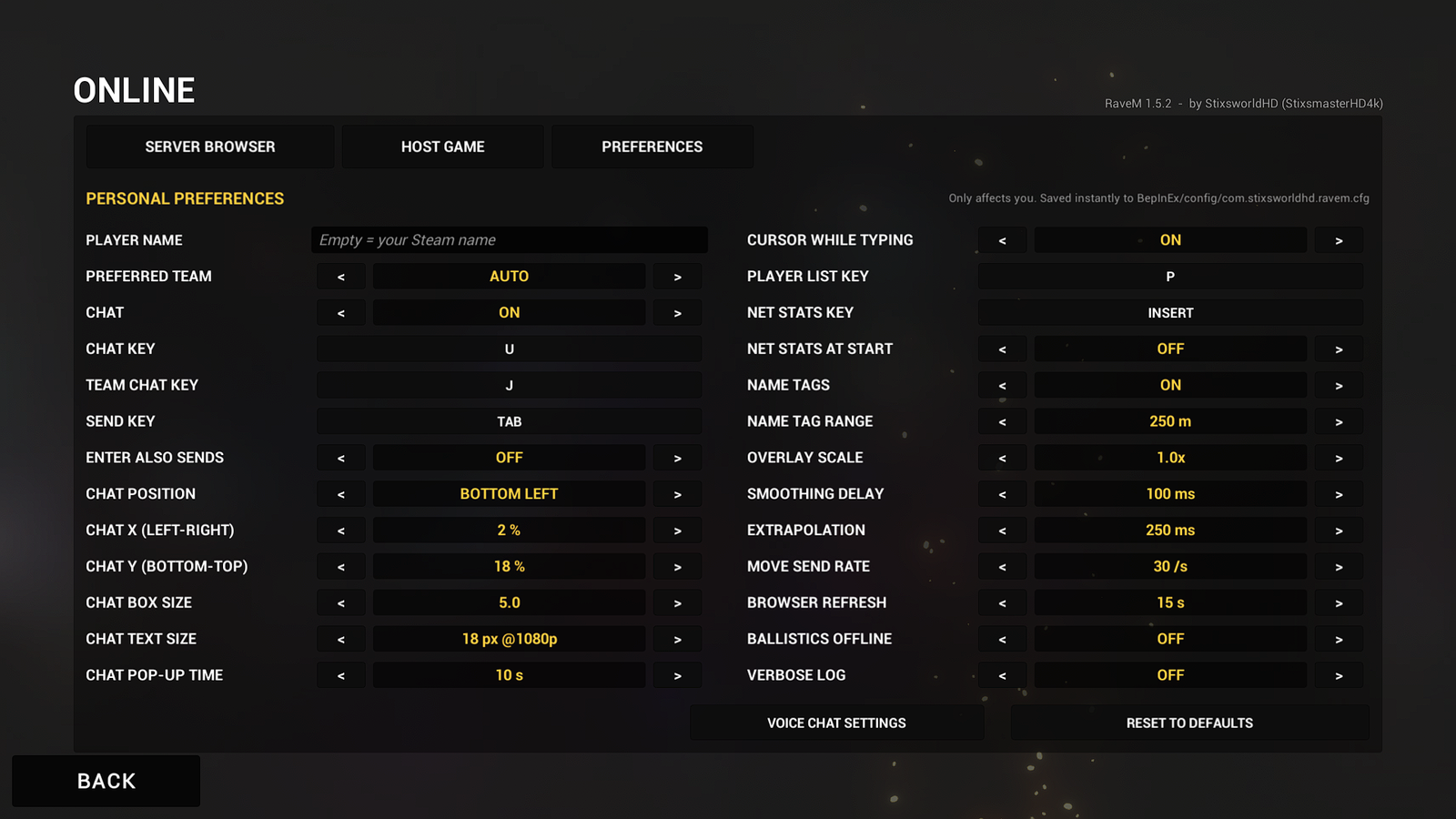 (opens the full-size 1920 by 1080 image)
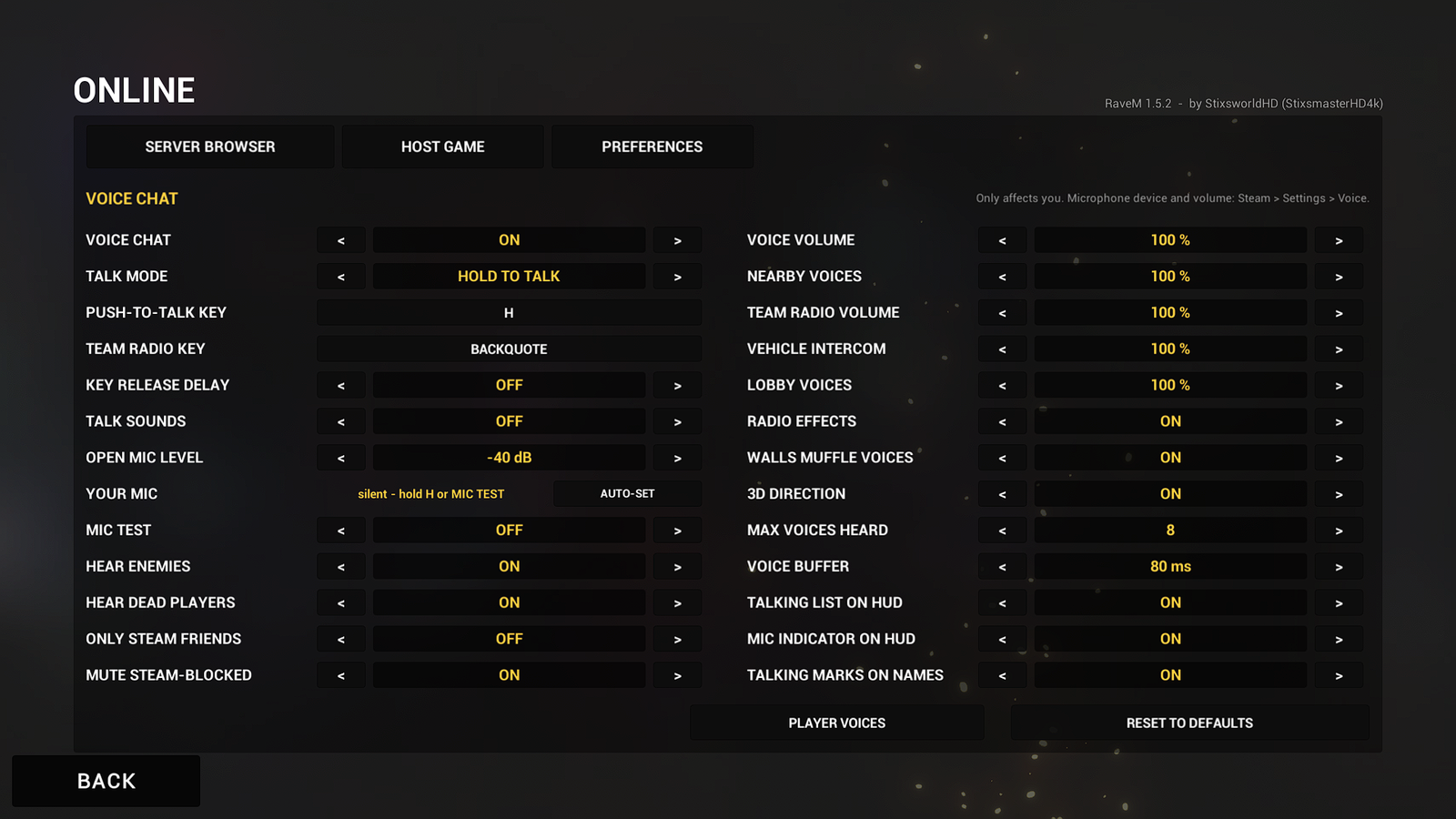 (opens the full-size 1920 by 1080 image)
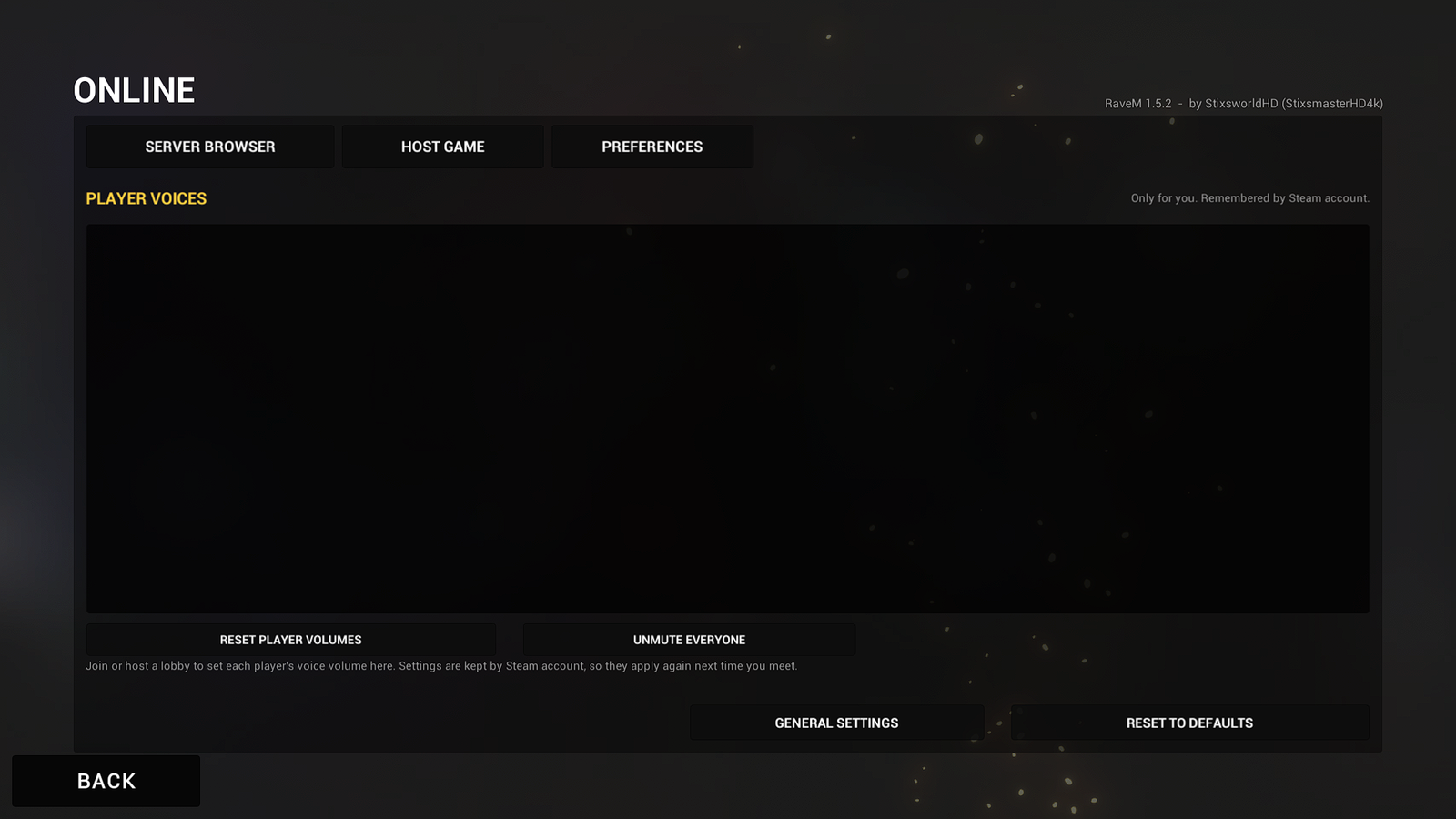 (opens the full-size 1920 by 1080 image)
Hosting a match
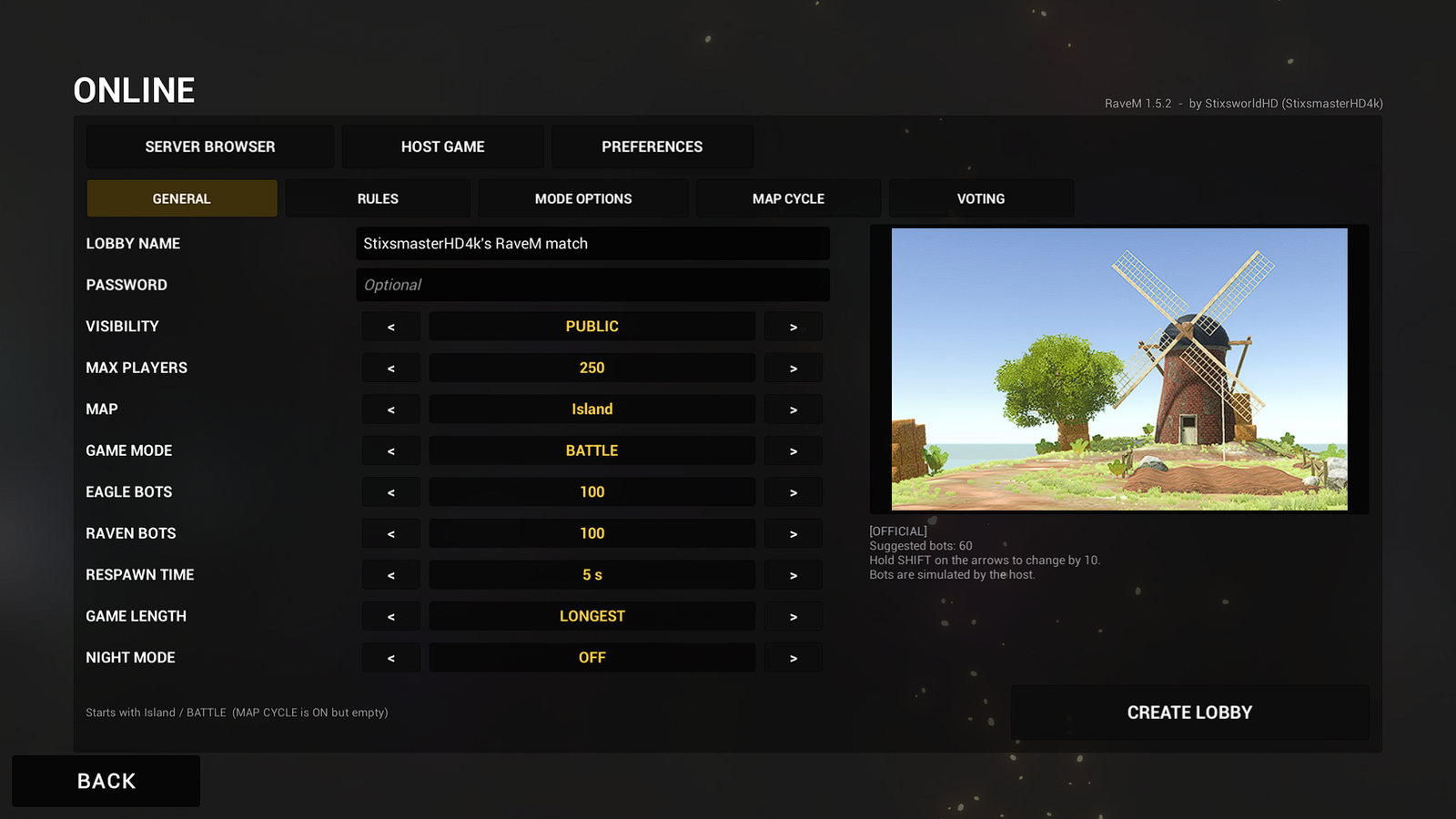 (opens the full-size 1920 by 1080 image)
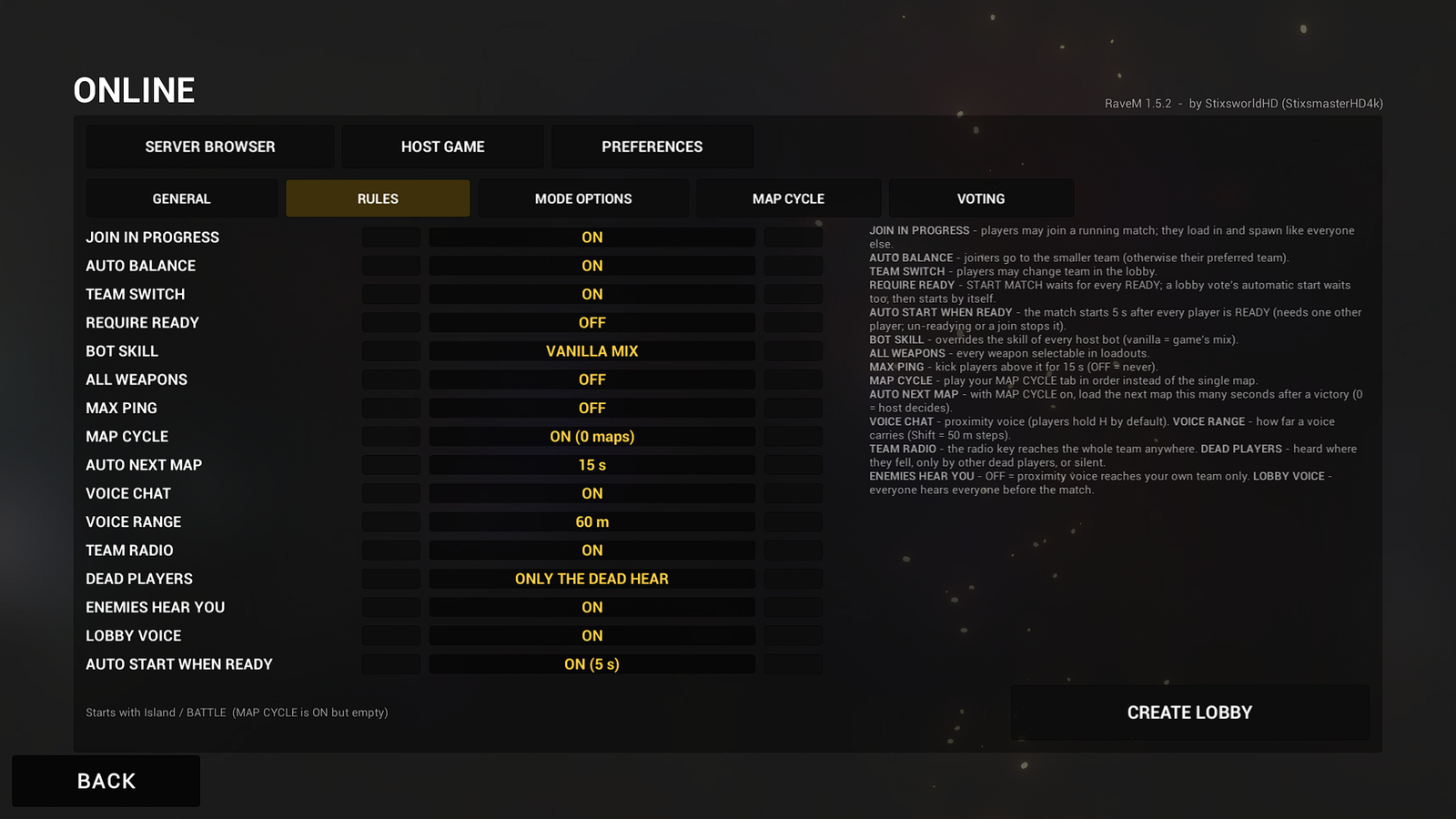 (opens the full-size 1920 by 1080 image)
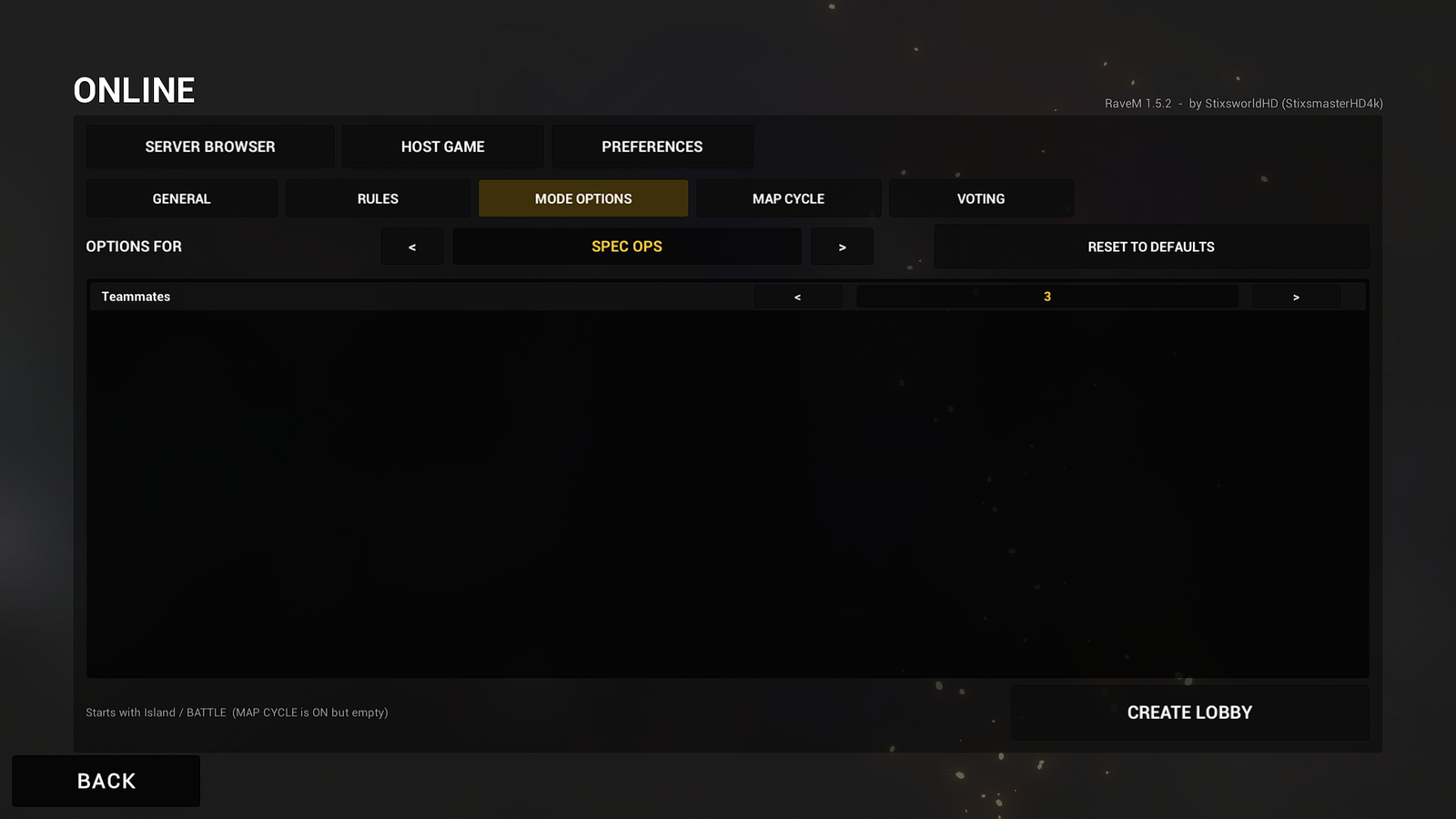 (opens the full-size 1920 by 1080 image)
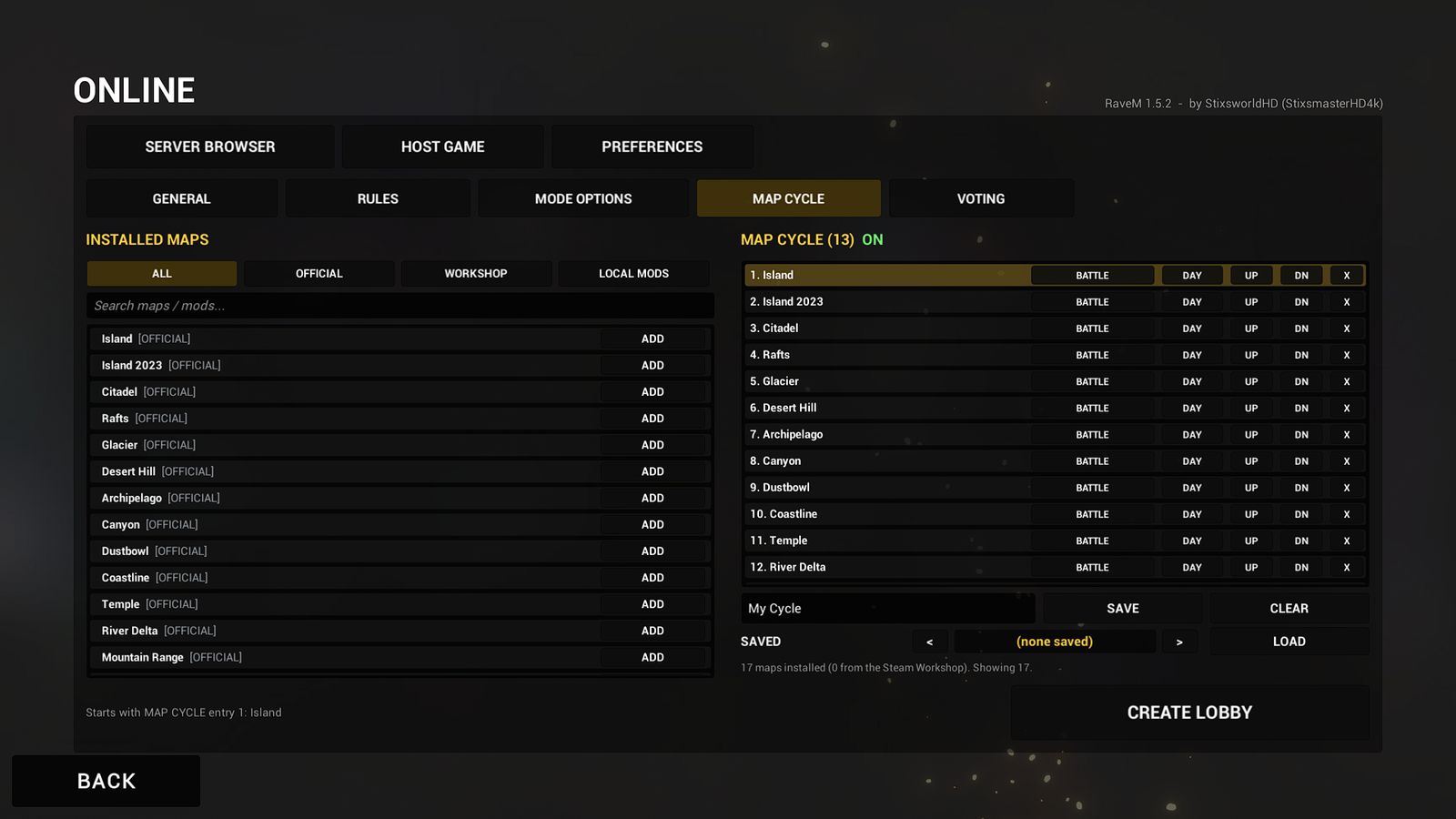 (opens the full-size 1920 by 1080 image)
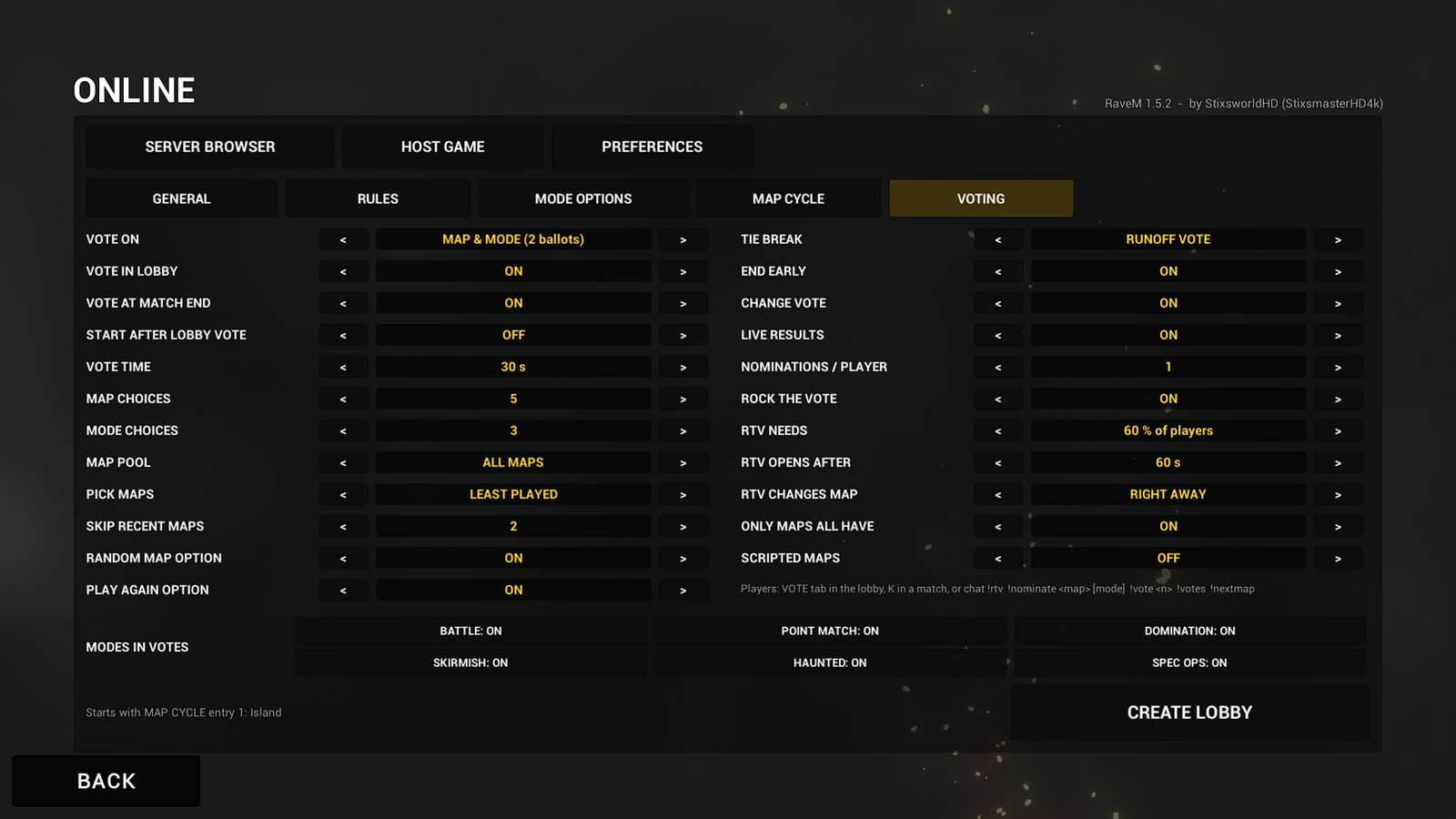 (opens the full-size 1920 by 1080 image)
The lobby
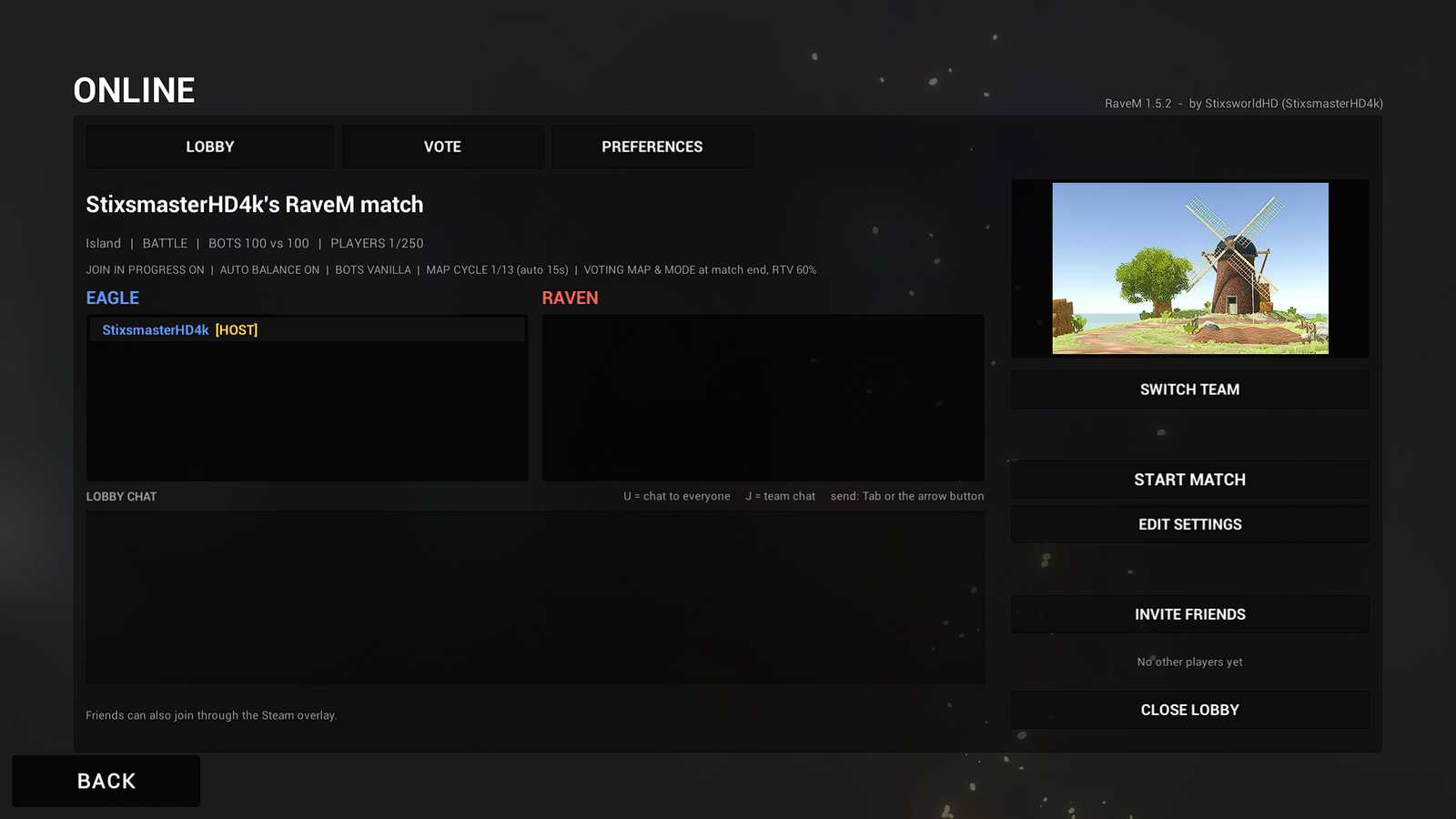 (opens the full-size 1920 by 1080 image)
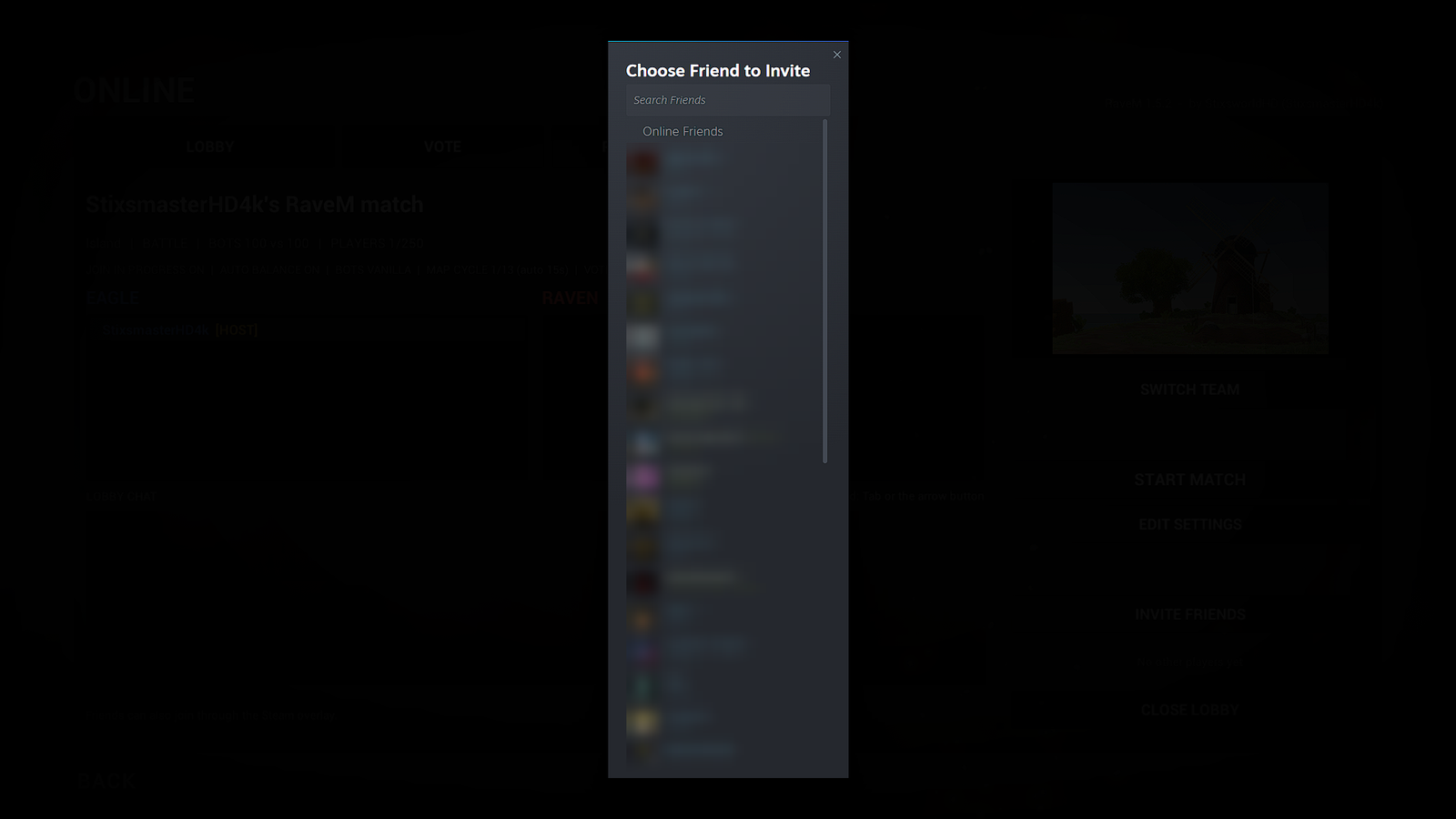 (opens the full-size 1920 by 1080 image)
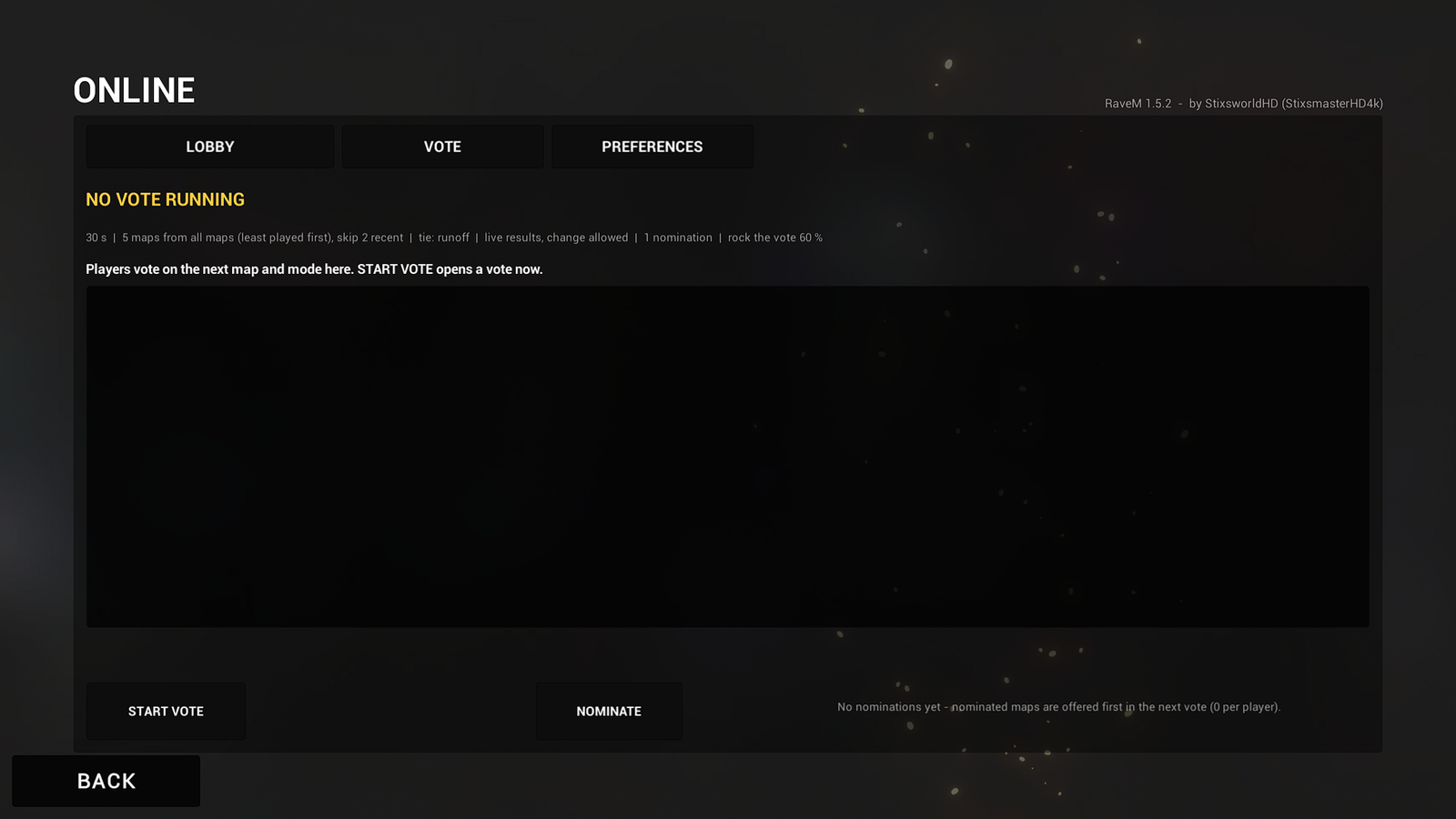 (opens the full-size 1920 by 1080 image)
Taken on Windows at 1920 × 1080 on a working install of BepInEx 5.4.23.5 and RaveM 1.5.2. Steam friend names and avatars in the invite screenshot are blurred for privacy; every other pixel is untouched. The originals are compressed losslessly.
These screenshots were taken with RaveM 1.5.2. In 1.7.1 the version label in the top-right corner reads RaveM 1.7.1. SERVER BROWSER has a DIRECT CONNECT button at the bottom for LAN games, MODE OPTIONS now also lists RaveM's own killcam, spawning, match and ballistics options after the game mode's, and PREFERENCES has a fourth page, KILLCAM & SPAWNING.
The screenshot was taken with RaveM 1.5.2, so File Explorer shows RaveM.dll as 674 KB there; in 1.7.1 it is 765 KB. 1.7.1 also adds UltimateReplay.dll (239 KB), which the screenshot doesn't show. The other nine DLLs are byte-for-byte the same in both versions.